Give your notes a home.
Files, websites, and your own notes, organized by course and unit.
Your semester, a little lighter.
Your courses, notes, flashcards, and daily plan. All together, so you can get on with learning.
A place for everything
See what is due, choose your next task, and pick up right where you left off.
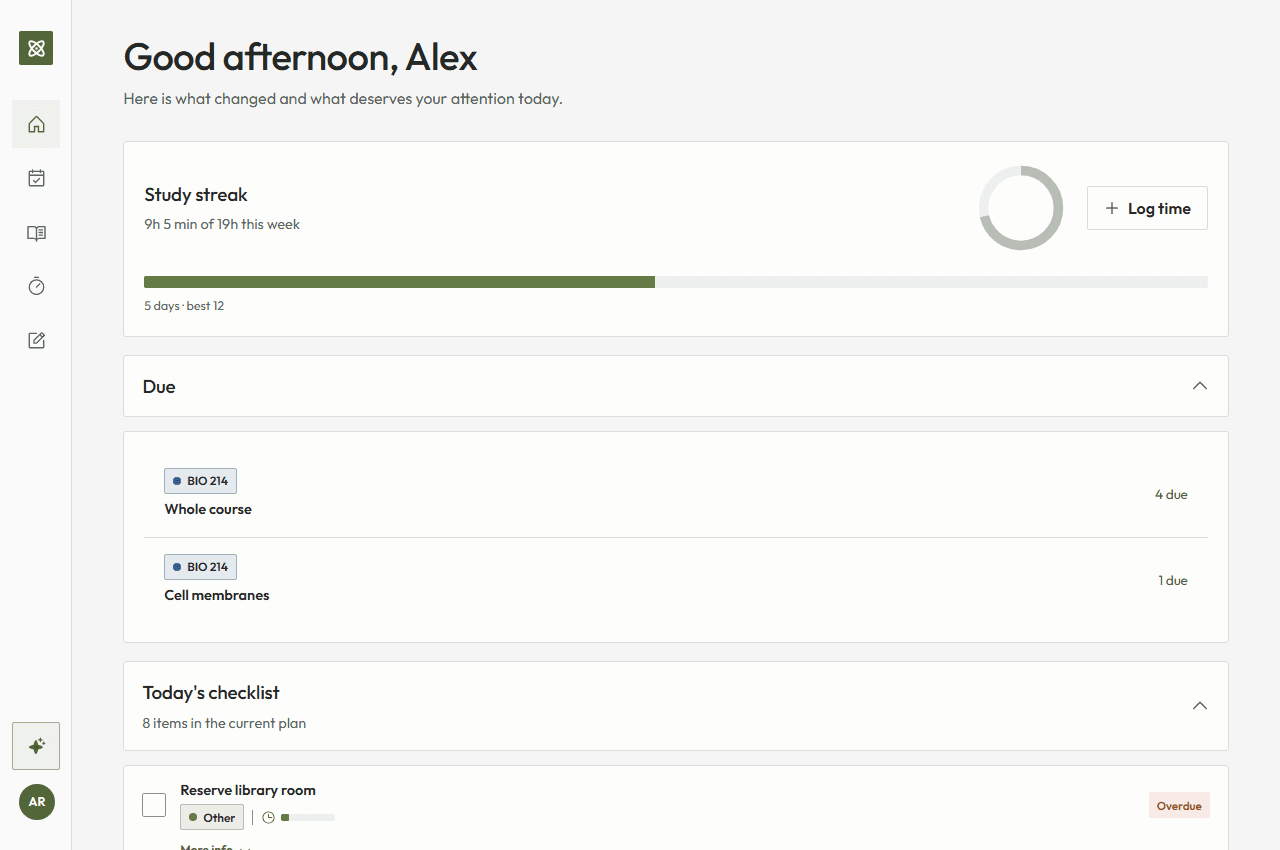
Bring something to learn. We will help you keep it together.
Files, websites, and your own notes, organized by course and unit.
Turn your materials into summaries, flashcards, and quizzes. Keep the sources close for a second look.
Pick a task, start the timer, and give one thing your attention.
Original sources stay close. You review AI suggestions and uncertain dates, and control the materials in your workspace.
Before you make yourself at home.
No. Canvas remains the source of truth for official deadlines and grades. StudyGrove organizes a working copy and links back to the source.
Canvas options depend on your school. Where direct access is unavailable, the browser importer lets you select course information in an open Canvas tab. You can also add courses and materials manually.
Gmail connections are not available yet. You can add course materials and study tasks directly in StudyGrove.
Yes. Summaries and detected deadlines may be incorrect, so StudyGrove shows uncertainty and keeps original source links visible.
Start with a free Base account.